Follow these steps to add contacts in GymOwners.com, making it easy for gym owners to efficiently manage their client information and memberships.
Step 1: Navigate to Contact Settings
- Log in to your GymOwners.com account.
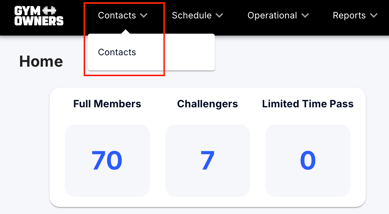
- In the top navigation bar, click on Contacts.
- From the dropdown menu, select Contacts.
Step 2: Add a New Contact
- Once you are on the Contact page, click on the Add a new contact button.
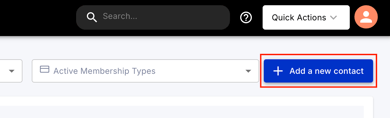
- This will open the Contact Information page, where you can input the contacts details.
Step 3: Fill Out Contact Information
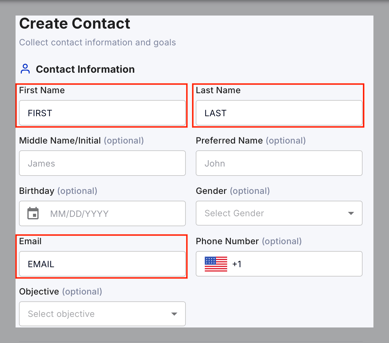
On the Contact Information page, you’ll need to complete the following fields:
- First Name and Last Name: Enter the contact's full name.
- Email: Provide the contact's email address. This will be used to send verification and login details.
- All other fields are optional.
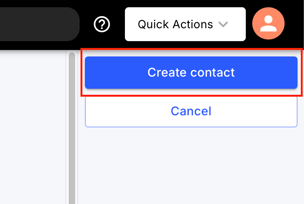
- Click Create Contact to save.
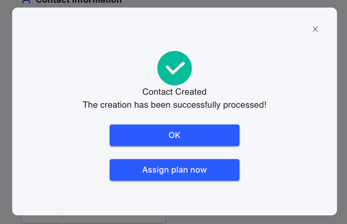
- Click OK to leave as a 'lead' without assigning a membership.
- Click Assign Plan Now to assign a membership.